
MAZDAEDIT GUIDE
MazdaEdit Setup Guide
for the NC Miata.
To use MazdaEdit on an NC you need a Windows laptop, a J2534 OBD cable and a licence. With the flasher in your hands, setup takes 5 minutes. Reading and writing the ECU take 2-3 minutes each.
What MazdaEdit Is
Software that reads, writes and logs the NC's factory ECU from a Windows laptop. It's the tool we use on the NC, because of our custom firmware. With VersaTuner and EcuTek, custom firmware implementation is limited, many functions are locked, and you can't make your own map packs the way you can with MazdaEdit.
What You Need
Before you start, make sure you have: 1) J2534 OBD-USB cable (€130 standalone or included in our MazdaEdit Kit €250). 2) MazdaEdit Lite license (included with DMS packages). 3) Laptop with Windows 10/11. 4) Your MX-5 NC (2006-2015, any model).
Step 1: Install MazdaEdit
Download MazdaEdit from the official website. Install it on your Windows laptop. Enter your license key (we provide this with every DMS package). The software will activate immediately. Install the J2534 cable drivers - these come on the USB stick with the cable.
Step 2: Connect to Your NC
Plug the J2534 cable into your laptop USB port. Connect the OBD2 end to your NCs OBD2 port (under the dashboard, driver side). Turn your ignition to ON (dont start the engine). In MazdaEdit, click "Connect" - you should see your ECU identified within 5 seconds.
Step 3: Read Your Stock ECU
Click "Read ECU" in MazdaEdit. This takes 2-3 minutes. IMPORTANT: Do NOT interrupt this process. Once complete, save this file as "STOCK_BACKUP_[date].bin". This is your safety net - you can always revert to this file. We recommend keeping this backup forever.
Step 4: Flash Your Custom Tune
If you ordered a tune from us (see MX-5 NC remote tuning), we will send you a .bin file via WhatsApp or email. In MazdaEdit, click "Write ECU" and select our calibration file. The flash takes 2-3 minutes. Again - do NOT interrupt. Once complete, turn ignition OFF, wait 10 seconds, then start your car. Done!
Step 5: Datalogging (For Revisions)
After driving for a day, we will ask you to send us a datalog. In MazdaEdit, go to "Datalog" tab, select the parameters we specify (AFR, knock, boost, timing), and record a 5-minute drive including WOT pulls. Send us the .csv file via WhatsApp. We analyze it and send a revision if needed.

Going Back to Stock, or a Flash Fails
To go back to stock, write your saved STOCK_BACKUP file the same way as any map. If a flash fails, we will support you. Our workflow is Windows only and can't be done from a phone. Want it tuned? Miata NC remote tuning: same-day map, 2-3 revisions usually, unlimited for the same setup.
Need help getting set up?
Yiannis answers on WhatsApp, usually in about 3 minutes
Ready to order?
Custom tune €450 + VAT (€558 incl. VAT) in the EU, $480 outside the EU. MazdaEdit kit €250 + VAT.
View PackagesMX-5 NC 2.5L SWAP
+60hp bolt-in upgrade. From €2600.
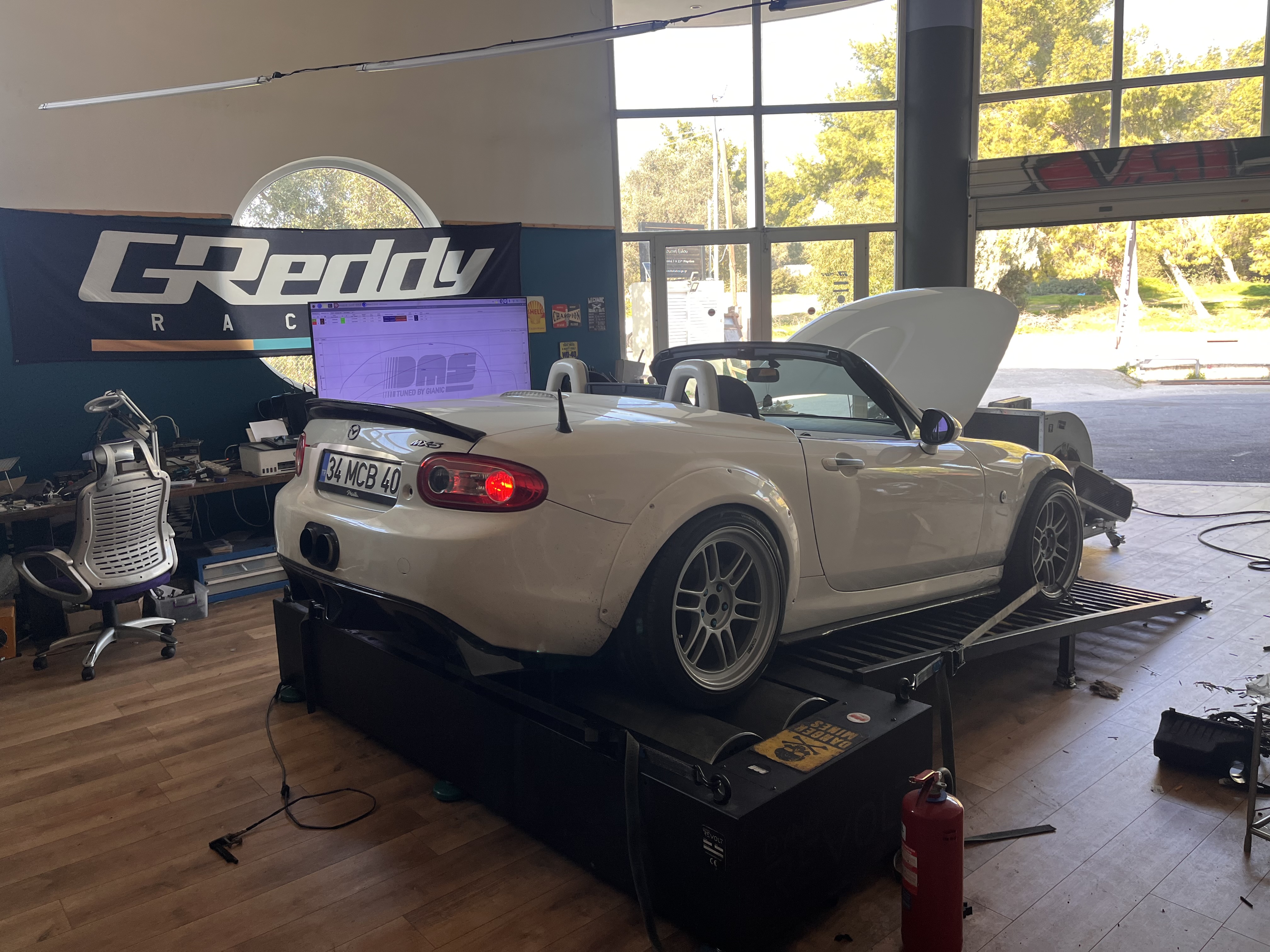
500+ cars on our dyno. 3 packages: Quick Swap (183hp), Performance (195hp), Full Power (220hp). EU-wide shipping. Live remote tuning included.
DMS TUNED
Your NC deserves proper calibration.
500+ cars dyno-tested. Live sessions. Unlimited revisions until the tune is finished. By the NC specialist.